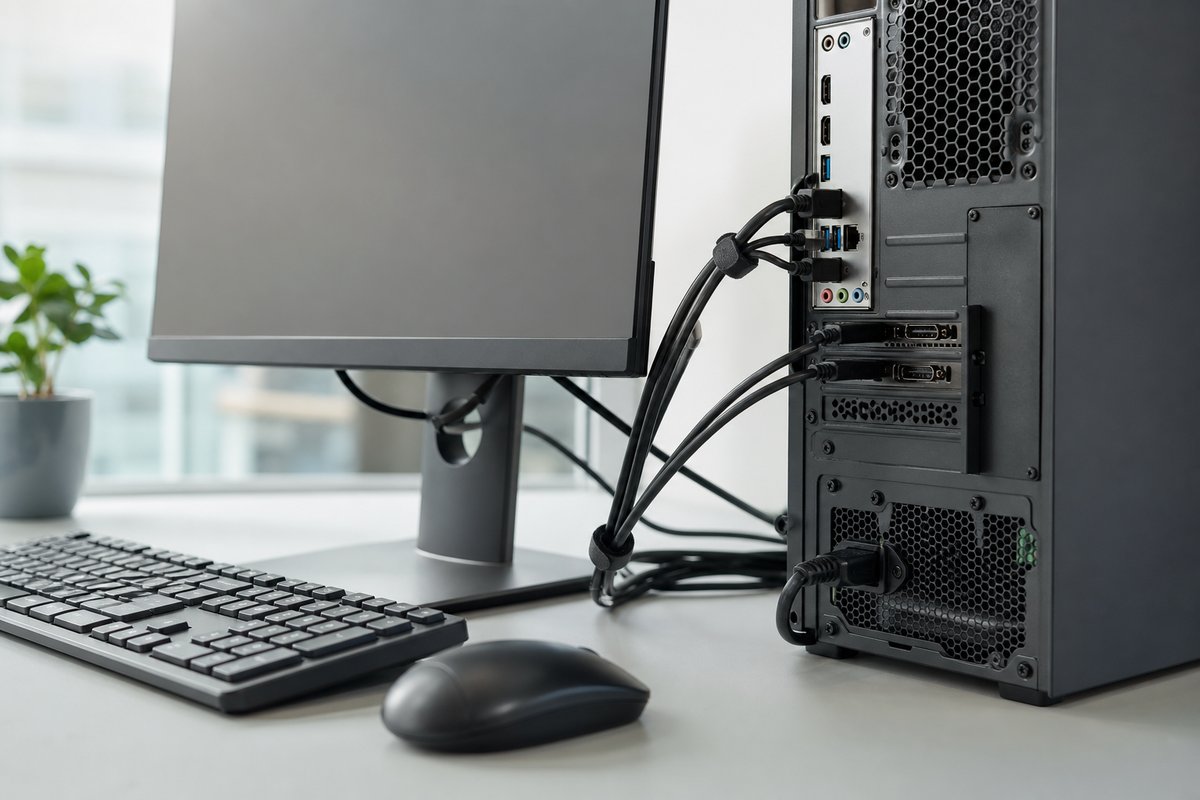
When setting up a PC, it may seem like any open USB port will do for a mouse or keyboard. But according to the report, the best choice is usually the simplest one: use the least powerful USB 2.0 ports for basic input devices and reserve faster connections for equipment that needs them.
Keyboards and mice use very little power and bandwidth, so they do not benefit much from USB 3.x or USB4 speeds. Those higher-capacity ports are better kept free for devices such as external SSDs, flash drives, storage drives, USB hubs and external displays, which rely more heavily on a port’s full capabilities.
When the rule changes
There are a few exceptions. If a mouse and keyboard are connected through a USB hub or dock that will also handle faster peripherals, the hub should be plugged into a high-speed port. If the hub offers different port types, the lower-speed ones should be used for the mouse and keyboard. And if a keyboard has its own built-in USB hub, the computer should connect to a port strong enough to support any devices attached to the keyboard itself.
The report also notes that USB-C ports often offer higher speeds than USB-A ports, though that is not guaranteed. In some cases, using a USB-C to USB-A cable may make more sense for a mouse or keyboard if it helps keep the faster USB-C connection available for more demanding hardware.
Source: engadget.com